QUICKFIRE TRAFFIC
Here is your…
No Hurdles Funnel – Vol XII
QUICKFIRE TRAFFIC
The platform I’ve used to make the process as simple as possible is called LeadsLeap.
This is where all your webpages will be hosted.
For your autoresponder, you then have two different options:
- Option 1 – Use the autoresponder built-into LeadsLeap. For this, you will require the PRO version of LeadsLeap, which is very cost-effective.
- Option 2 – Use your own autoresponder (e.g. Aweber, GetResponse, MailerLite, etc). You can use any autoresponder of your choice.
Whichever option you choose for your autoresponder, your webpages will still be hosted on LeadsLeap. The FREE LeadsLeap version is fine for this, but remember that you’ll need the PRO version if you want to use LeadsLeap’s built-in autoresponder. Alternatively, you can use your own autoresponder such as Aweber, GetResponse, MailerLite, and so on. There are lots of options out there, including free accounts.
We have included detailed setup guides for both options!
If you are not a LeadsLeap member yet, you will need to sign up for an account:
Step 1 of 3 – Download Your Setup Guide
Download the appropriate setup guide for the platform you have chosen.
- If you are using LeadsLeap for all elements of the funnel including the autoresponder, please refer to the LeadsLeap version of the Setup Guide.
- If you are planning to use an external autoresponder for the collection and storing of subscribers, please refer to the “External Autoresponder Setup Guide”.
LeadsLeap Setup Guide:
Click HERE For The Simple Setup Guide
External Autoresponder Setup Guide:
Click HERE For The Simple Setup Guide
The simple PDF guides will take you step by step through the process of setting up your No Hurdles Done4U List Building Funnel.
All the elements are imported into the system via links within the guide, so there is nothing else to download*…
…it couldn’t be simpler.
Step 2 of 3 – Request Approval To Promote Upsell Offer
To request approval, click the link below: https://warriorplus.com/as/o/tg1z5t
(Ensure you add the text “No Hurdles” in the notes field to identify you as a NH Funnel customer)
Once you have the approved link, complete the actions in the relevant setup guide.
Step 3 of 3 – Download the Text Version Of The Email Sequence
This is an optional step and provides a text document with the welcome emails.
This is only required if you use an alternate autoresponder to Aweber, LeadsLeap, or if you are using the free version of Aweber.
Click HERE To Download The TXT Version Of Your Email Sequence
You are now ready to follow the instructions in the appropriate setup guide to create your funnel.
Get Me To Set Everything Up For You By Clicking HERE
As simple as we have tried to make this system, please feel free to get in touch with us regarding any questions you might have.
I want you to get the most from what I think is a unique offer


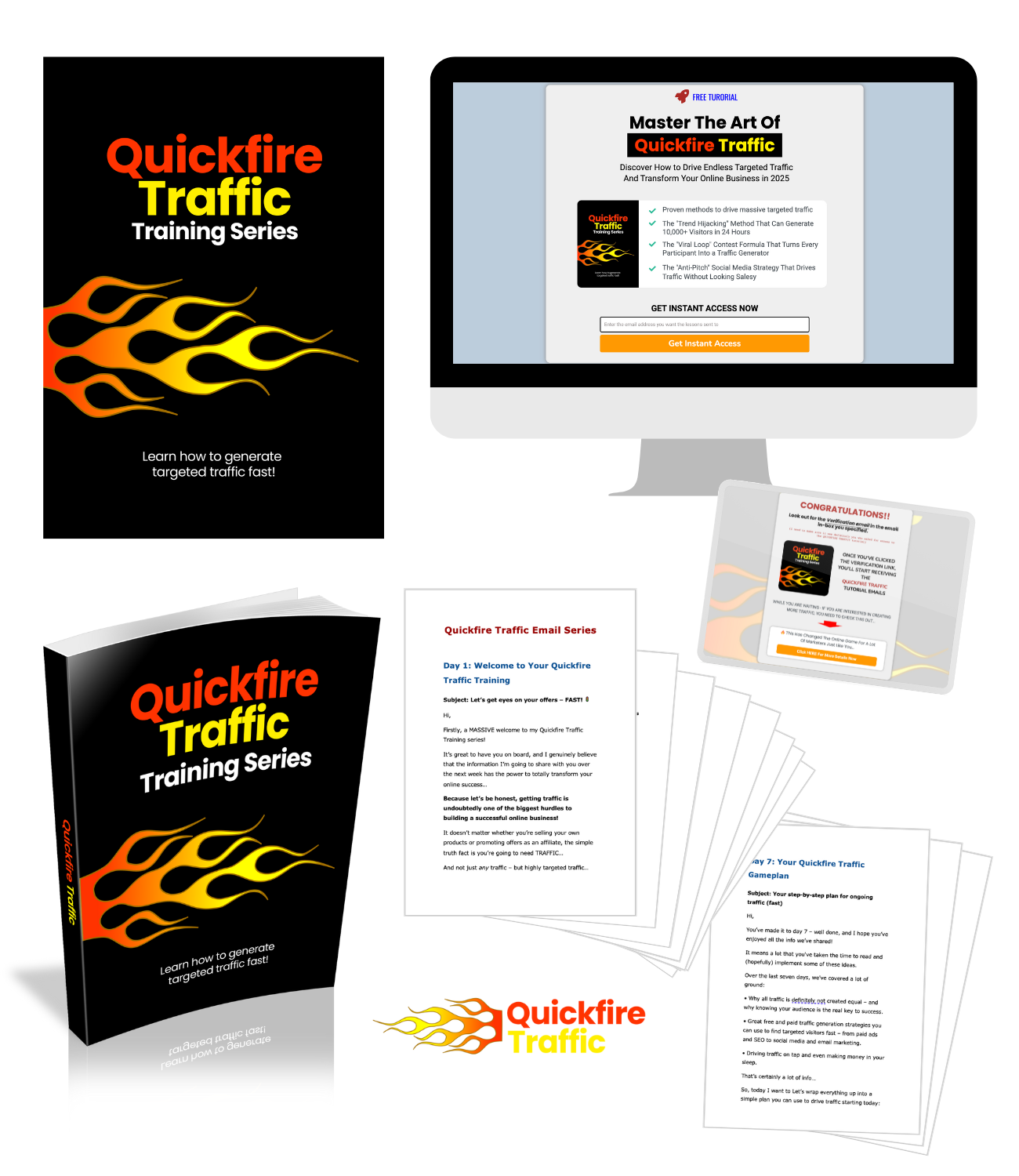
Optional Step – Download the Quickfire Traffic Graphics Package
Don’t forget that you also have the Private Label Rights (PLR) to the lead magnet, meaning that you can edit the contents of the email sequence, change its title, etc. To help with this, we’ve also included a graphics package containing ecovers and the logo in a range of sizes + the editable PSD source files.